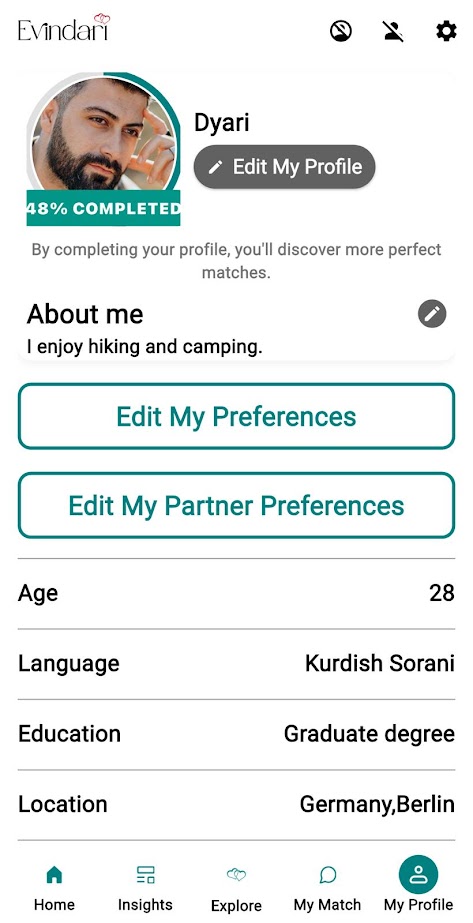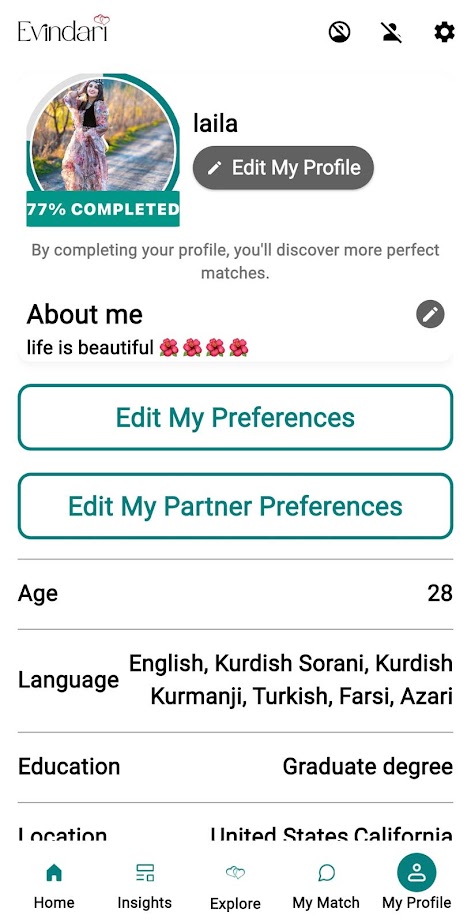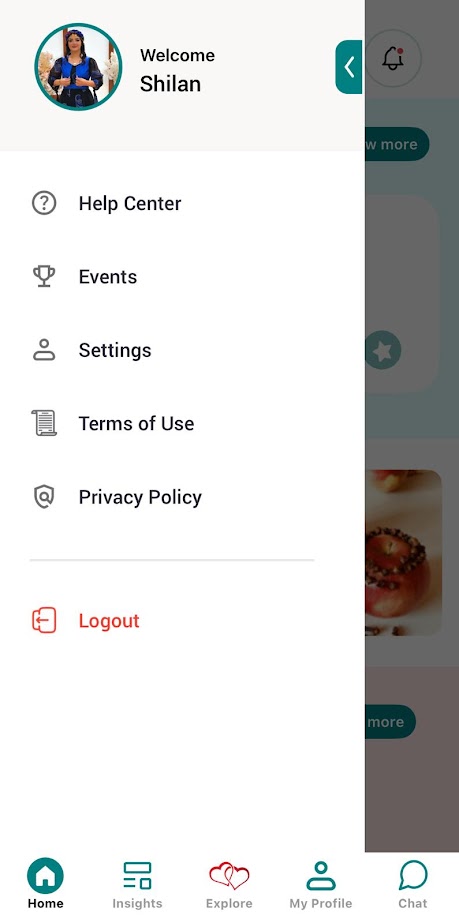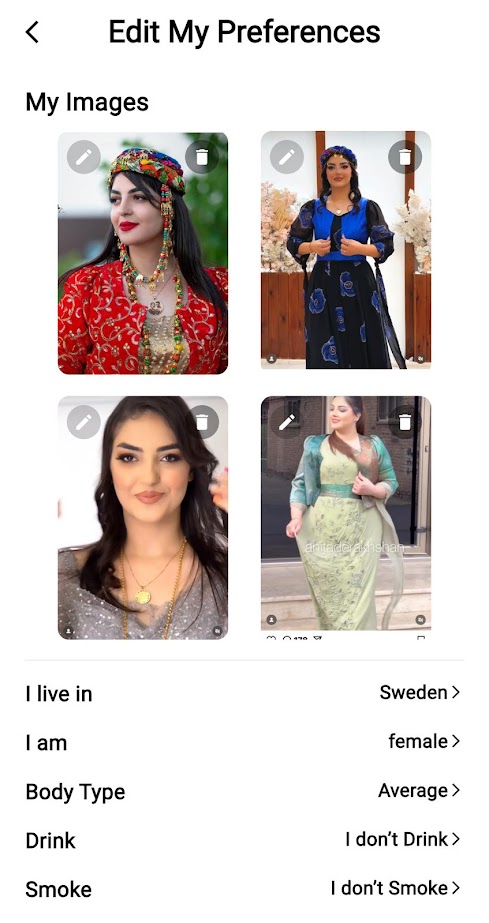









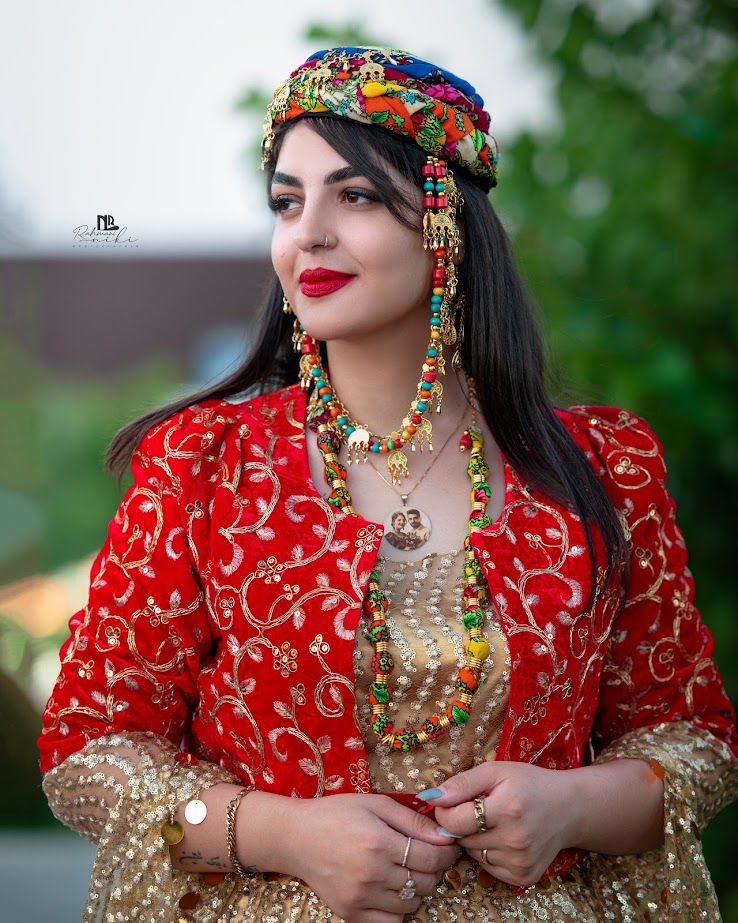
Where Your Kurdish identity needs no explanation.
Connect with genuine singles, build meaningful relationships, and find love within a safe and respectful Kurdish community.
GET IT ON
Google Play
Download on
App Store
Kurdish Roots. Modern Love.
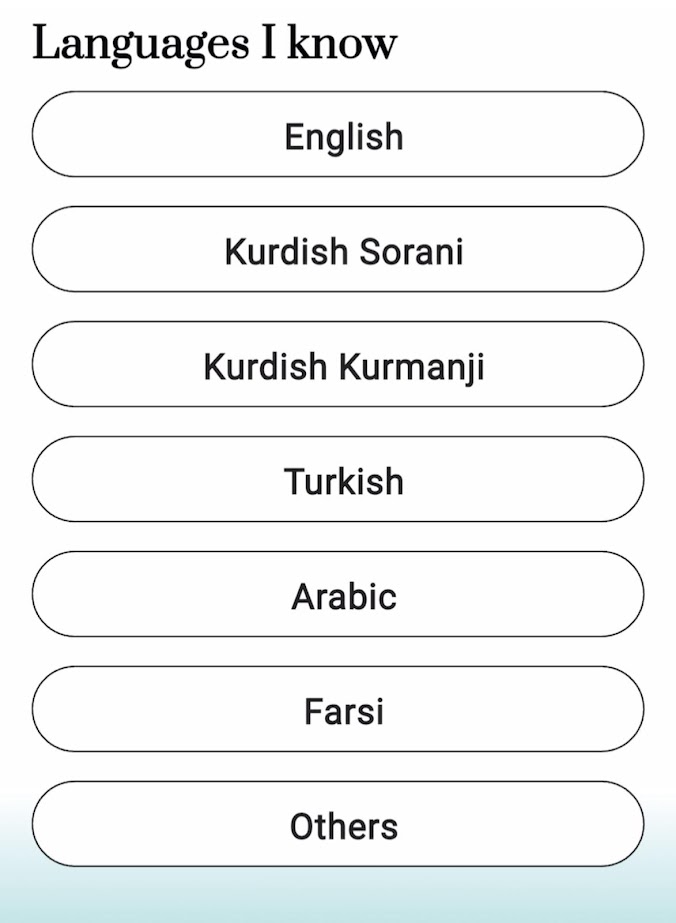
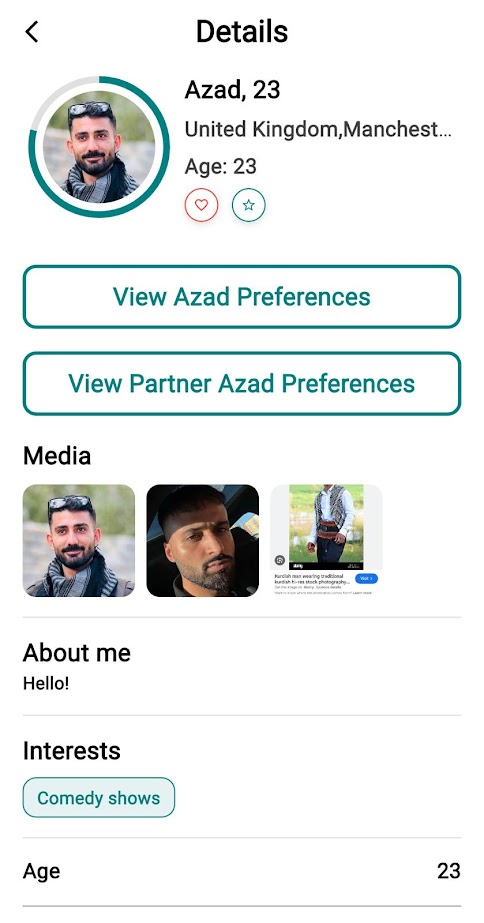
Evindari is a free Kurdish dating app created for Kurds worldwide—a safe, respectful space where single people can build meaningful, long-term relationships while staying connected to their culture. As a people who have struggled throughout history to preserve our identity, having our own trusted platform matters.
Built with strong security standards to protect your privacy, Evindari is exclusively for sincere singles seeking real connections within the Kurdish community. We proudly celebrate the love stories, marriages, and growing families that begin here across the globe.We’ve built Evindari with a deep understanding of relationships, culture, and trust. Our experience helps single people connect meaningfully in a safe and respectful environment.
Safe & Secure Platform
Your privacy and personal information are protected with high-level security standards, ensuring a safe dating experience.
Community Focused
Built specifically for the Kurdish community, Evindari connects like-minded singles who share culture and values.
Meaningful Connections
We encourage genuine conversations and long-term relationships rather than casual or superficial matches.
Easy & User Friendly
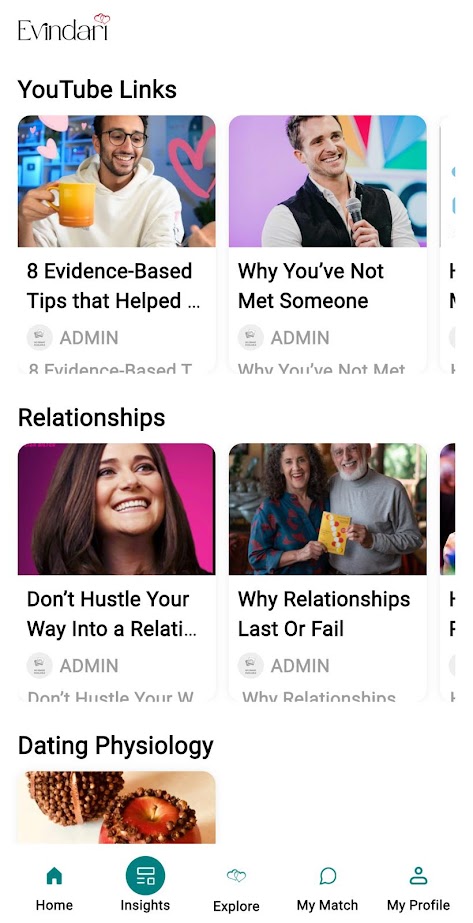
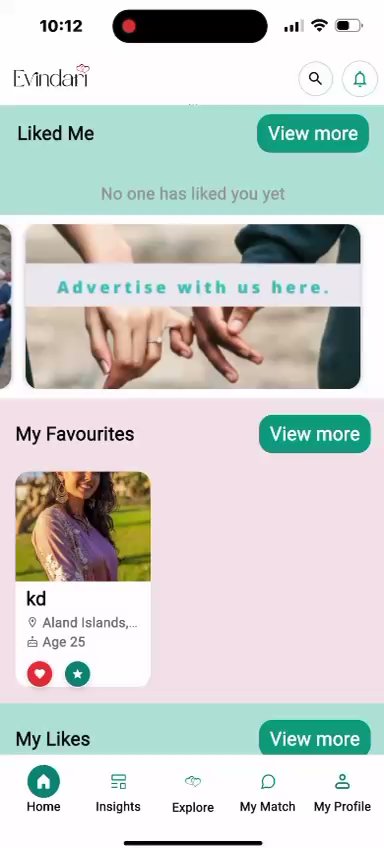
Our app is simple to use, visually clean, and designed to make connecting with others easy and enjoyable.
A reliable platform you can trust.
Evindari is built with strong technical foundations to ensure smooth performance, data security, and a reliable experience for every user. From fast loading to secure data handling, everything is designed to support meaningful connections without interruptions.
GET IT ON
Google Play
Download on
App Store
Discover the story behind real connections.
Evindari was created to help single people build genuine and meaningful relationships in a safe and respectful environment. Our journey is about trust, culture, and real connections.
Join our community updates.
Stay in the loop with the latest Evindari updates, including new feature launches, helpful safety tips, and inspiring success stories from our growing community. We’ll share insights that matter, highlight real experiences, and keep you informed about improvements designed to make your experience better. No spam—just thoughtful, meaningful updates delivered when there’s something truly worth sharing.
GET IT ON
Google Play
Download on
App Store
How to Use Evindari
How Do I Delete My Account?
Navigate to My Profile → Settings () → Delete | Disable Account, select a reason for deletion (e.g. Found a partner), and confirm your request.
How Do I Log Out of My Account?
To log out of Evindari, go to My Profile, then Settings (), and select Log out. Press Yes to confirm if you are sure. If not, press No to cancel.
How Do I Change My Password?
Simply go to My Profile → Settings () → Change Password, enter your old password, then type your new password. Next, confirm the new password and click the Change button.
Remember: Your new password should be at least 8 characters long and include a mix of uppercase (A–Z) and lowercase (a–z) letters, numbers (0–9), and special characters (e.g. $ & £) to keep your account secure.
How Do I Hide from Specific Users?
Go to My Profile → Settings () → Hide from Specific Users, search for the specific users you want to hide your profile from, and confirm your choice by clicking Yes.
How Do I Unhide Hidden Users?
To unhide a user on Evindari, go to My Profile and click on Hidden Users. Next, select the middle option, then click on the
. Next, if you are sure to Unhide the user, press Yes to confirm. If not, press No to cancel.
Remember, your safety and privacy come first. If you are unsure or have any doubts, take your time to think before proceeding. For more safety tips, visit evindari.com.
How Do I Block a User?
To block a user on Evindari, go to My Match and select the user’s account. Tap the More (…) option at the top right of the screen, then choose Block User. If you are sure, press Yes to confirm. Otherwise, press No to cancel.
How Do I Unblock a User?
To unblock a user on Evindari, go to My Profile and select Unblock Users. From there, choose the user you want to unblock and confirm your choice by tapping Yes. If you decide not to proceed, you can tap No to cancel the action.
Remember, your safety and privacy come first. If you are unsure or have any doubts, take a moment to think before proceeding. For more safety tips, visit evindari.com.
How Do I Report a User?
To report a user on Evindari, go to My Match and select the user’s account. Tap the More (…) option at the top right of the screen, then choose Report Abuse. select a reason for reporting (e.g. Scam or fraud) and confirm your request.
Important: Your safety is our top priority. If you are in immediate danger, please contact your local emergency services.
How Do I Unlike a User?
To unlike a user on Evindari, go to My Match and select the user’s account. Tap the More (…) option at the top right of the screen, then choose Unlike. If you are sure, press Yes to confirm.
Where Real Connections Begin
I appreciated how respectful and genuine the community feels. Conversations here are more intentional, and that made all the difference for me.
Nicole Adams
Chicago
I appreciated how respectful and genuine the community feels. Conversations here are more intentional, and that made all the difference for me.
Nicole Adams
Chicago
The app is simple to use and doesn’t feel overwhelming. I was able to connect with people who actually shared my values.
Sara L.
New York
It’s refreshing to use a dating platform that prioritizes quality over quantity. The focus on meaningful interactions has led to genuinely good conversations.
Emily T.
Australia